How can you make your own candle labels?
 by Avery Team
You’ve already mastered the art of making soy wax candles, but are you wondering how best to label them so your products look neat, professional, and unique? Fortunately, at Avery Zweckform, we have a solution that’s not only cost-effective (you print exactly as many labels as you need at any given time), but also very easy and takes literally just a few moments!
Select the size and shape of the labels
Select the size and shape of the labels
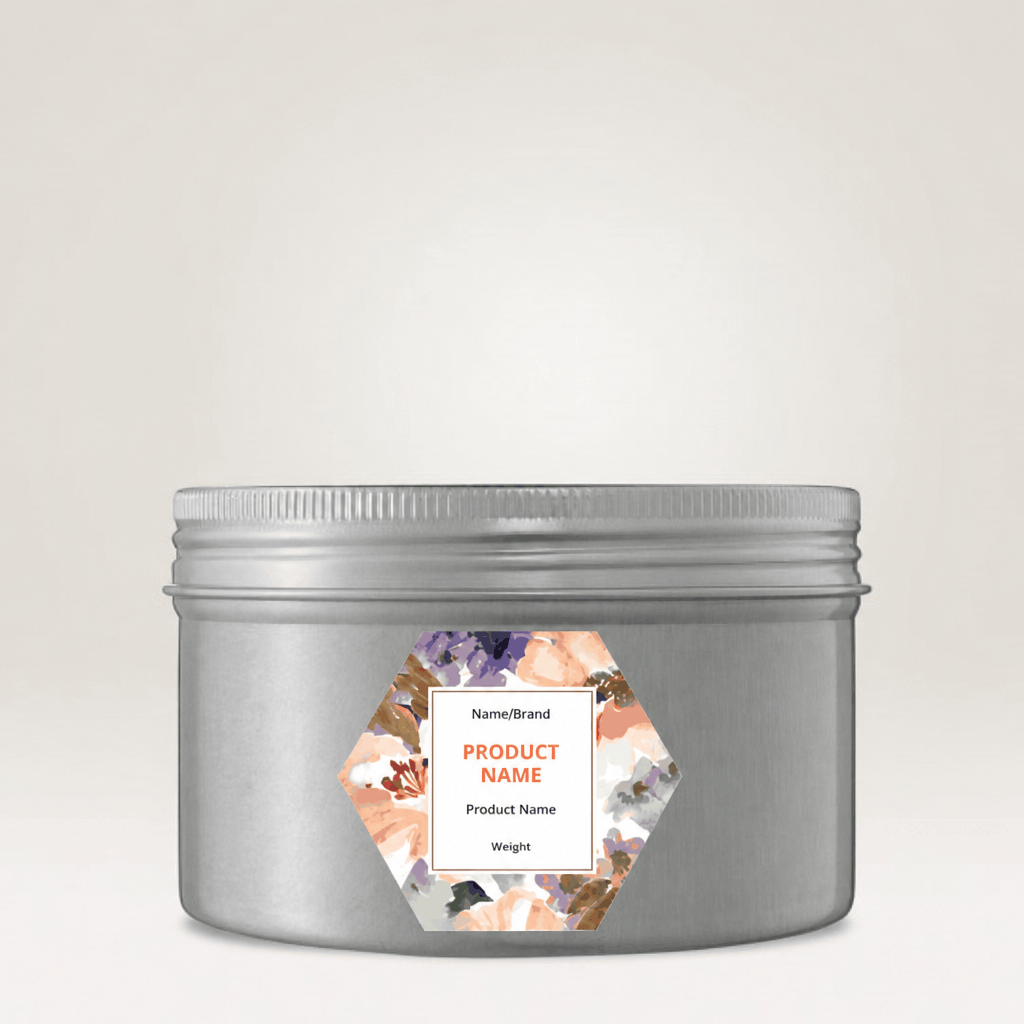
First, consider what size labels you’ll need so they look perfect on the containers you have. To do this, simply measure the height of the jar and the diameter of the lid and bottom, where you can attach round labels—this provides extra space to include important product information.
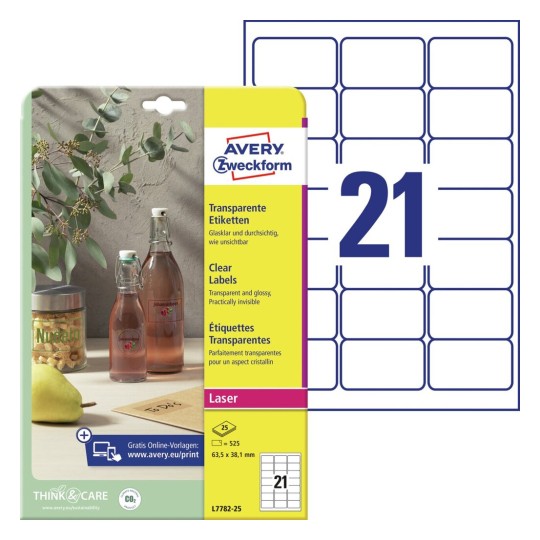
For the front, the following label shapes work perfectly: round, oval, square, rectangular, octagonal, and even flower-shaped.
If you can’t decide on a specific shape, you can, for example, sketch them on a plain sheet of paper, cut them out, hold them up to your candle jar, and decide which ones look best.
Choose the Right Material
The material you choose for your labels depends primarily on your brand’s style and the aesthetic you want to achieve.
Both paper and foil labels adhere well to jars, even when the candle is lit. Remember, however, to thoroughly wipe down the container before applying the label so that the label does not come into contact with dust or essential oils—this will ensure that the adhesive bonds properly.
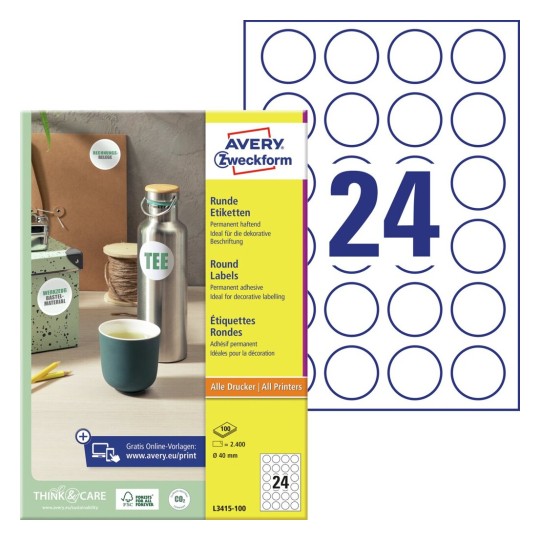
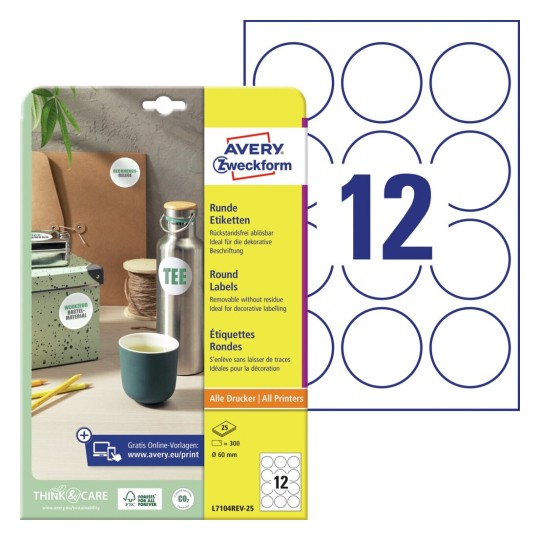
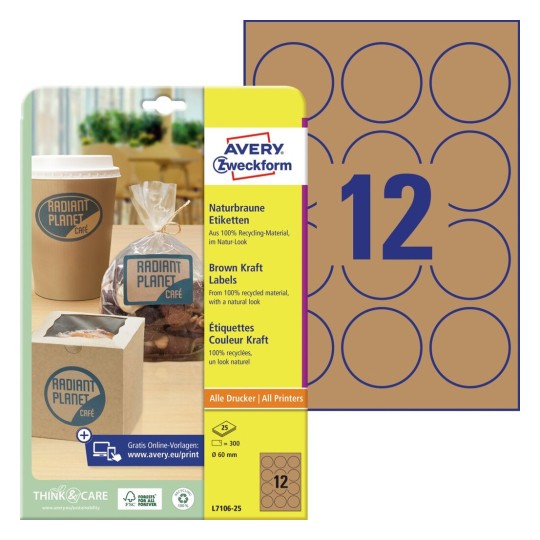
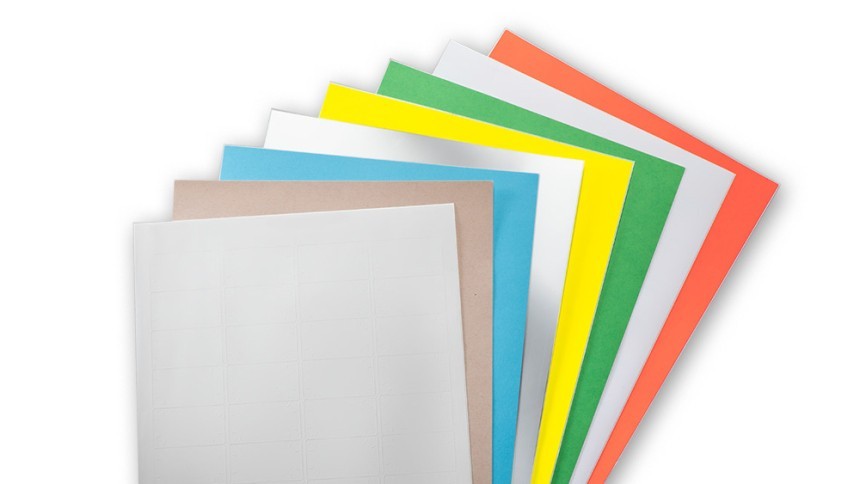
The Avery offer includes, among others, the following labels: brown kraft-style, matte white, glossy white, transparent, and even colored
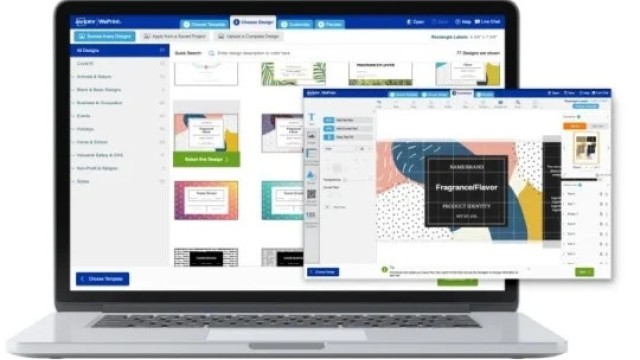
Create your own label, or use a ready-made predesign:
You can design Avery labels very easily and quickly using our free online Design&Print software, and then print them on a regular home printer.
In the label creator, you’ll find many ready-made, pre-designed, and free label templates, but you can also design them entirely on your own! Just use our image library, upload your own photos, and add the text you want.
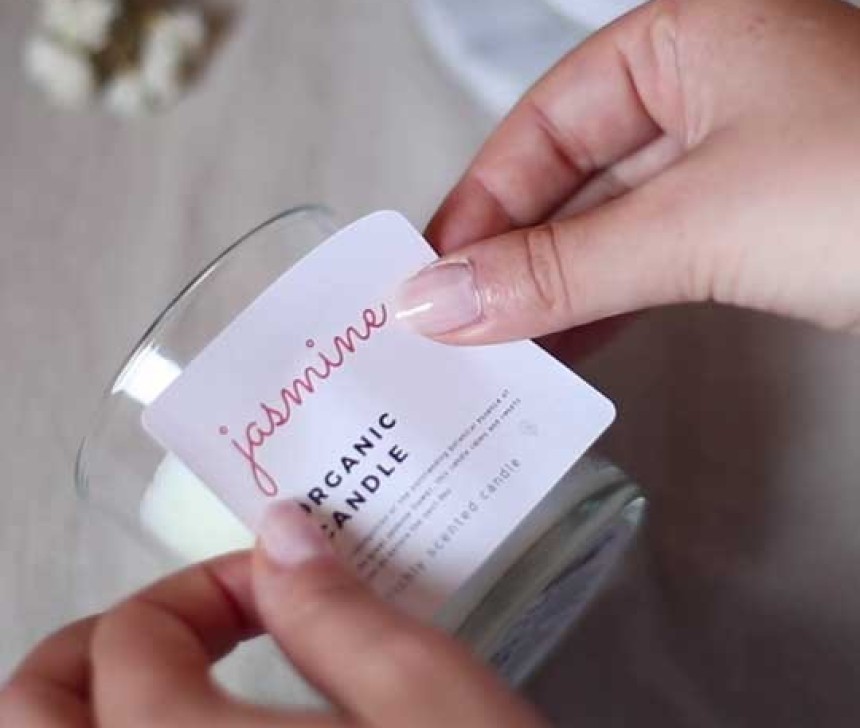
Tips for Properly Applying Labels to Candles
Applying labels to candles may seem difficult at first, but just follow the tips below, and the task will immediately become easier!
- Wipe down and clean the candle jar or container.
- Wash and dry your hands thoroughly to avoid transferring dirt to the jar. This will ensure the adhesive sticks perfectly to the surface.
- Place the jar between two support points to stabilize the candle as much as possible. Your support points don’t have to be anything specific—any two objects that will hold the candle steady while you apply the label will do, such as two heavy books placed on a table.
- Carefully peel the label off the sheet and align it over the candle.
- Press the center of the label against the jar, then use your fingers to smooth the label out toward the outer edges.
- If necessary, use a hard, flat object (such as a credit card) to remove any air bubbles.
- Show off your finished candle!
Remember that the label often makes the first impression and therefore plays a significant role in encouraging consumers to buy a particular product. It’s true that many people “shop with their eyes” and are guided by what they see on the label. If your labels look original and attractive, it will increase the chances that potential customers will want to pick up the candle—and then fall in love with its scent!
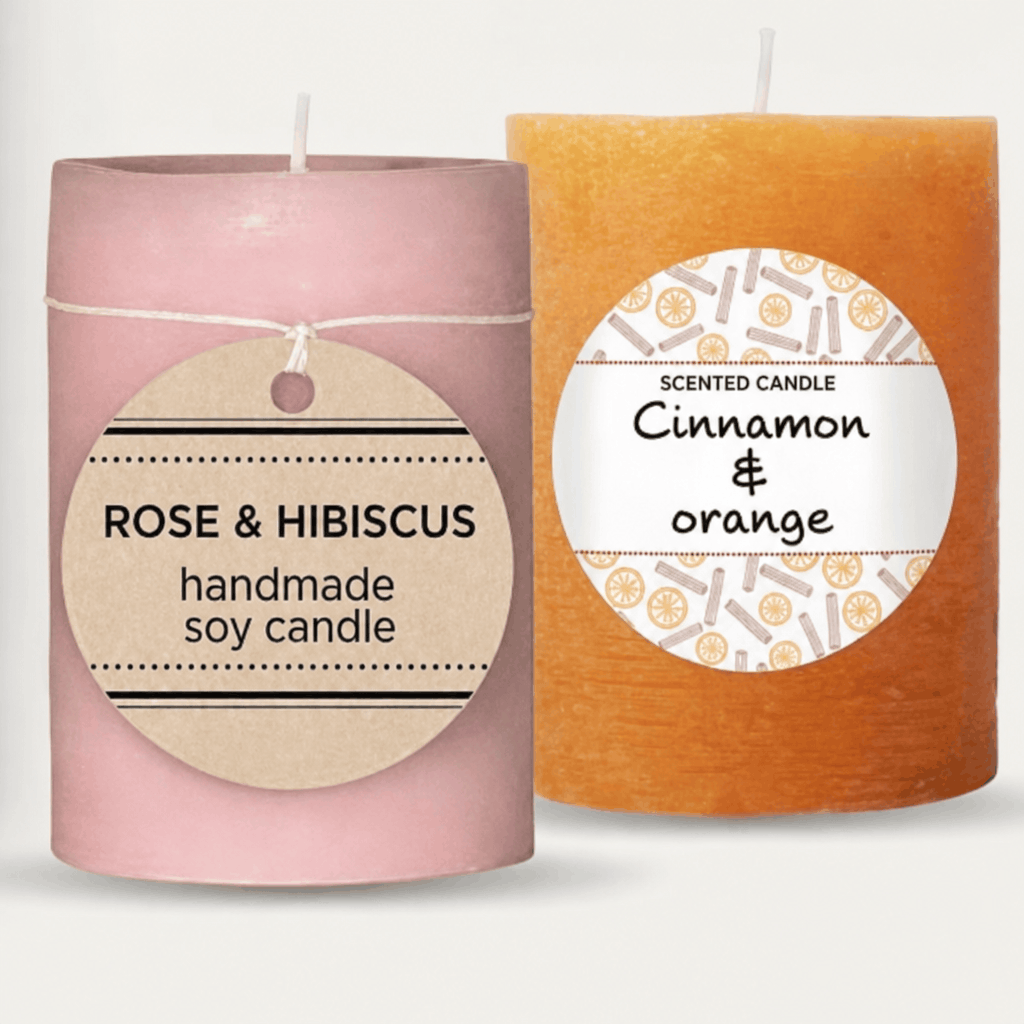
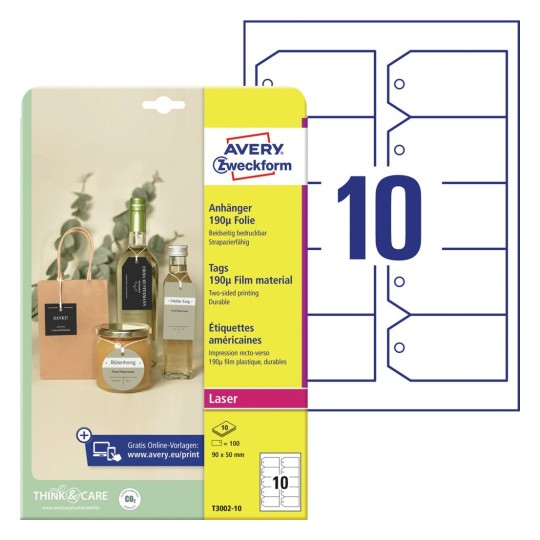
Be sure to check out our selection of candle tags, too!
Our selection includes a wide variety of product tags and gift tags.
Whether you want to beautifully decorate your gifts or professionally label your products, you’ll find the perfect tag here. Explore different materials and shapes to give your items a personal touch.
Tags are available in a variety of materials: cardstock with micro-perforated edges, cardstock with perfectly smooth edges, and durable, waterproof plastic tags.
Product tags are also great for providing important instructions and notes regarding the product’s use or composition.
With our free online label design tool, you can quickly and easily create hang tags from the comfort of your own home! Use our ready-made designs and print them double-sided on your own printer. See for yourself how easy it is!
FAQ:
How do you make your own candle stickers?
With Avery's free online label maker, you can quickly and easily design a candle label: use your company logo, choose a font and color, and insert graphics. You can also upload your own finished design or use ready-made, free templates.
How do you decorate a candle?
Nothing could be simpler! Just put an interesting, eye-catching sticker on it! Try out different shapes, colors, and textures of labels from the Avery's. Depending on the finish and design, the label can look modern, traditional, or playful.
What kind of labels should you choose for candles?
Depending on the color or scent of the candle, you can customize the color and material of the label or simply design the graphics and text accordingly—for example, for a green apple-scented candle, use green labels; for a vanilla-scented candle, choose a textured, cream-colored label; and for a lavender-scented candle, design a purple label.
Product recommendations for candle labels: