QR code labels for products, packaging and equipment
Link to product instructions, care advice, registration forms or equipment records without printing a long web address.


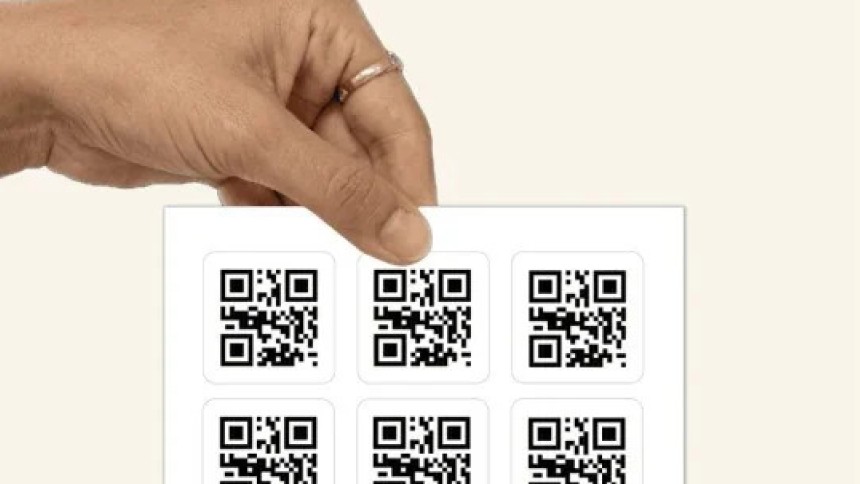
Give people a direct link to the information they need. Add a QR code label to a physical item so customers or staff can scan it with a smartphone and open the linked page.
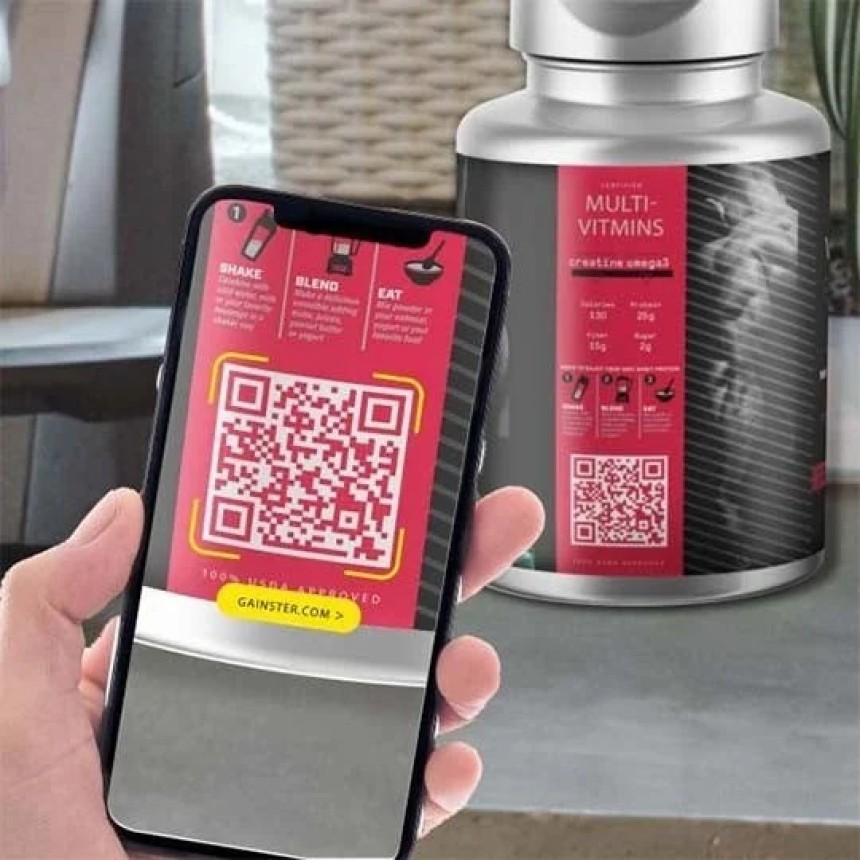
Put the right information on every item
A QR code label connects a physical object to online content. Use it to place instructions where someone needs them or help a customer take the next step after a purchase.
Product packaging
Link to setup guides, ingredient information or recycling instructions. Add a short prompt beside the code so customers know what they will find.
Equipment identification
Give staff access to the record for a specific machine or asset. Each code can point to its own page, provided your record system supports individual links.
Customer support
Send customers directly to a relevant help page or warranty registration form. A product-specific link saves them from searching your website.
Printed promotions
Connect a parcel insert, display or event handout to a campaign page. Make the call to action specific, such as “Scan to view the range.”
Choose the label around its intended use
A label for a cardboard box faces different conditions from one attached to outdoor equipment.
Before the purchase, consider the surface, available space and expected exposure to moisture, sunlight or cleaning products. These details help determine the appropriate product.
The QR code also needs enough space to scan reliably. Its size depends on the amount of encoded data and the expected scanning distance.
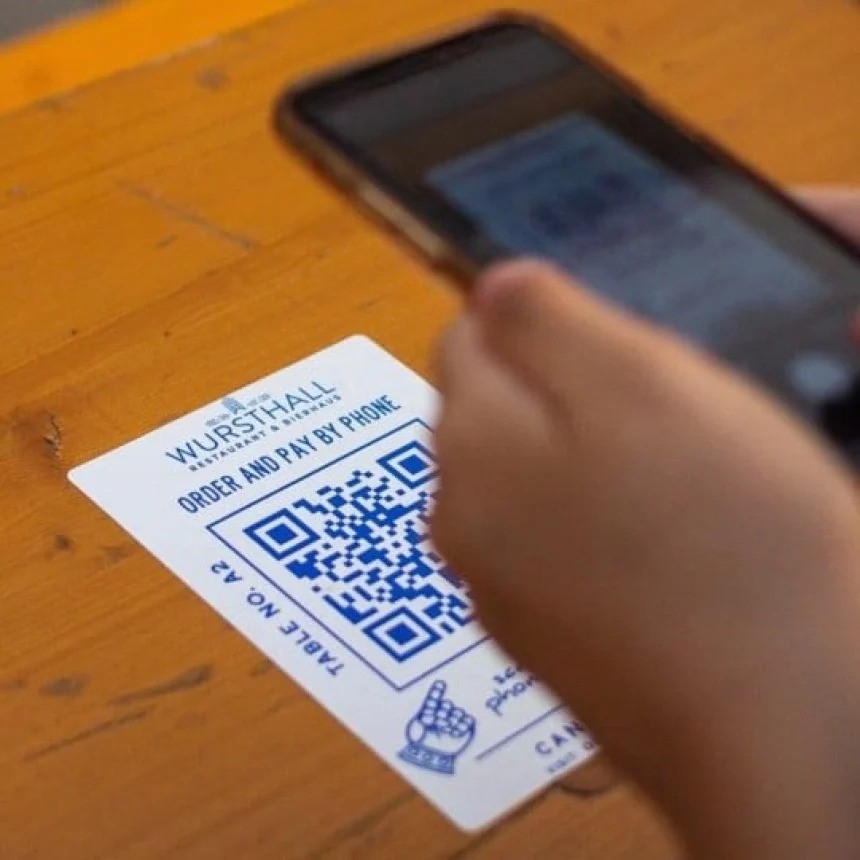
Prepare your QR code for print
- Use the final destination URL and check that the page works on mobile.
- Keep a clear blank margin around the code.
- Choose strong contrast between the code and its background.
- Test the code at its intended printed size before approving production.
Add a short instruction such as “Scan for installation instructions” instead of leaving the code unexplained.

Can the linked content change after printing?
You can update the content on the linked webpage while keeping its URL unchanged.
Changing the destination URL itself requires a redirect or a QR code management service. A printed QR code cannot be edited once the label has been produced.
FAQ's
A QR code can link to a webpage, such as a product manual, registration form or support page. It can also contain information directly, such as plain text or contact details.
Many smartphones can scan QR codes through their built-in camera. Some devices may require a camera setting to be switched on or a separate scanning app.
The appropriate size depends on the amount of encoded information, print quality and scanning distance. Test the code at its actual printed size with several phones before approving the artwork.
A static QR code always contains the same data. If it links directly to a URL, that encoded URL cannot be changed after printing. You can update the content at that address, or use a redirect or managed QR service to change where visitors are sent, subject to the service's terms.
Outdoor suitability depends on the label material, adhesive and print resistance. Exposure to sunlight, water or abrasion can affect both adhesion and readability. Check the label specifications against the conditions where it will be used.
Common causes include poor contrast, insufficient blank space around the code, blurred printing or damage. Curved surfaces and glare can also make scanning harder. If the code scans but the page does not open, check the destination URL and internet connection.
Yes, individual codes can identify separate products or assets. Producing these labels requires variable-data printing or another method that supports a different code on each label. Availability depends on the print provider.
A basic QR code does not record scans by itself. Tracking requires an analytics-enabled destination or redirect service. The available data depends on the setup, device settings and applicable privacy requirements.